 Enes Guven
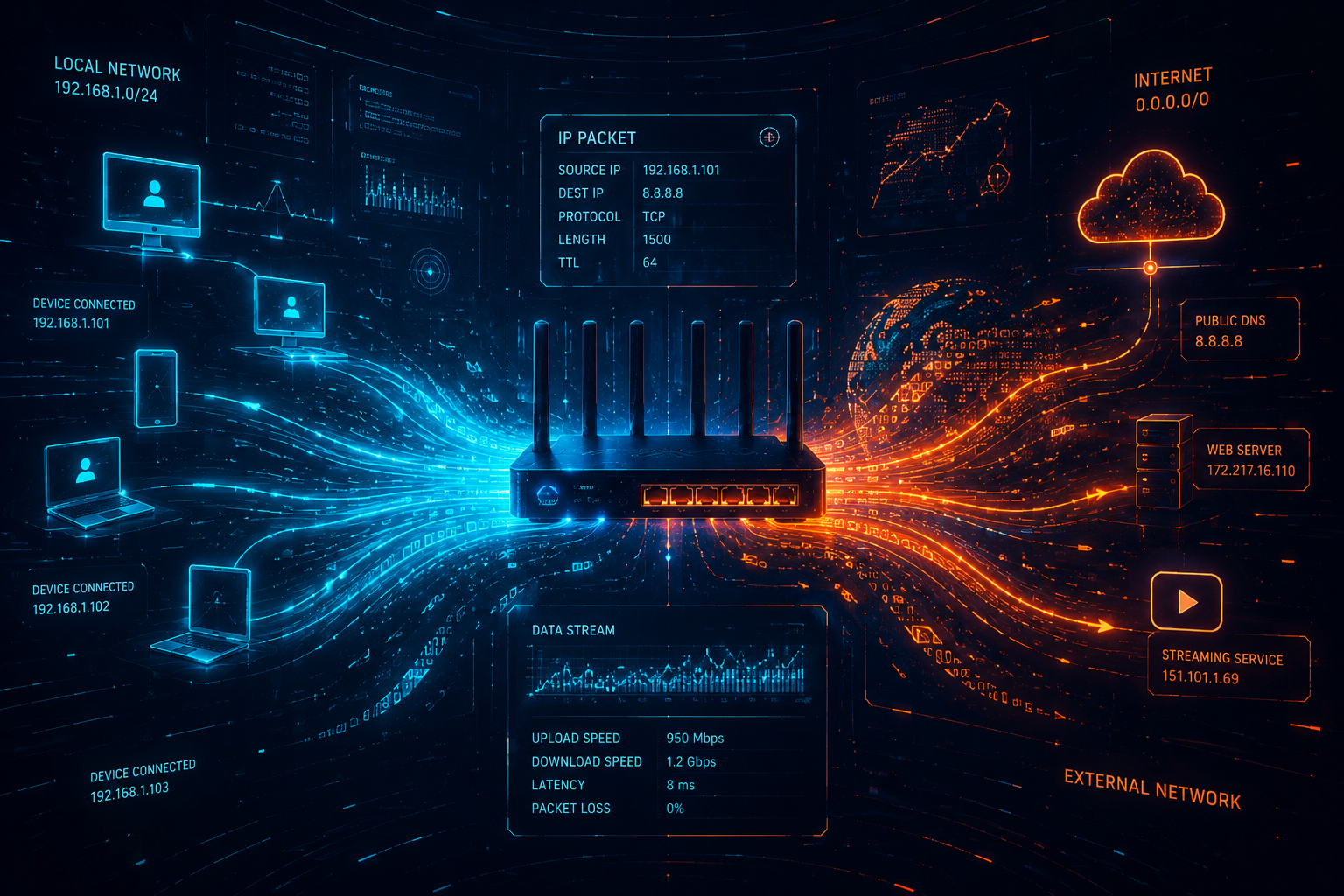
In the first part of our network series, we explored what a network is, its components, and how devices are classified by their geographical distance. Now that we know how the digital highway is built, it's time to answer a crucial question: How do data packets know where to go?
Imagine sending a letter through the postal service. To ensure your letter reaches the right person, you need a recipient's address. In the networking world, devices use two primary types of addresses to communicate: Physical Addresses and Logical Addresses.
1. MAC Address: The Physical Fingerprint
Every network interface card (NIC)—whether it's on your laptop, smartphone, or server—comes with
a unique identifier burned into its hardware during the manufacturing process. This is called
the MAC (Media Access Control) Address (e.g., 00:1A:2B:3C:4D:5E).
- How it works in the field: MAC addresses operate at Layer 2 (Data Link Layer). Devices within the exact same local network (LAN) find and talk to each other using these physical hardware addresses. Think of it as your permanent name or fingerprint; no matter where you move your computer, its MAC address stays the same.
2. IP Address: The Logical Location
While the MAC address is permanent and physical, the IP (Internet Protocol)
Address is logical and temporary. It represents your device's current location on a
network (e.g., 192.168.1.50).
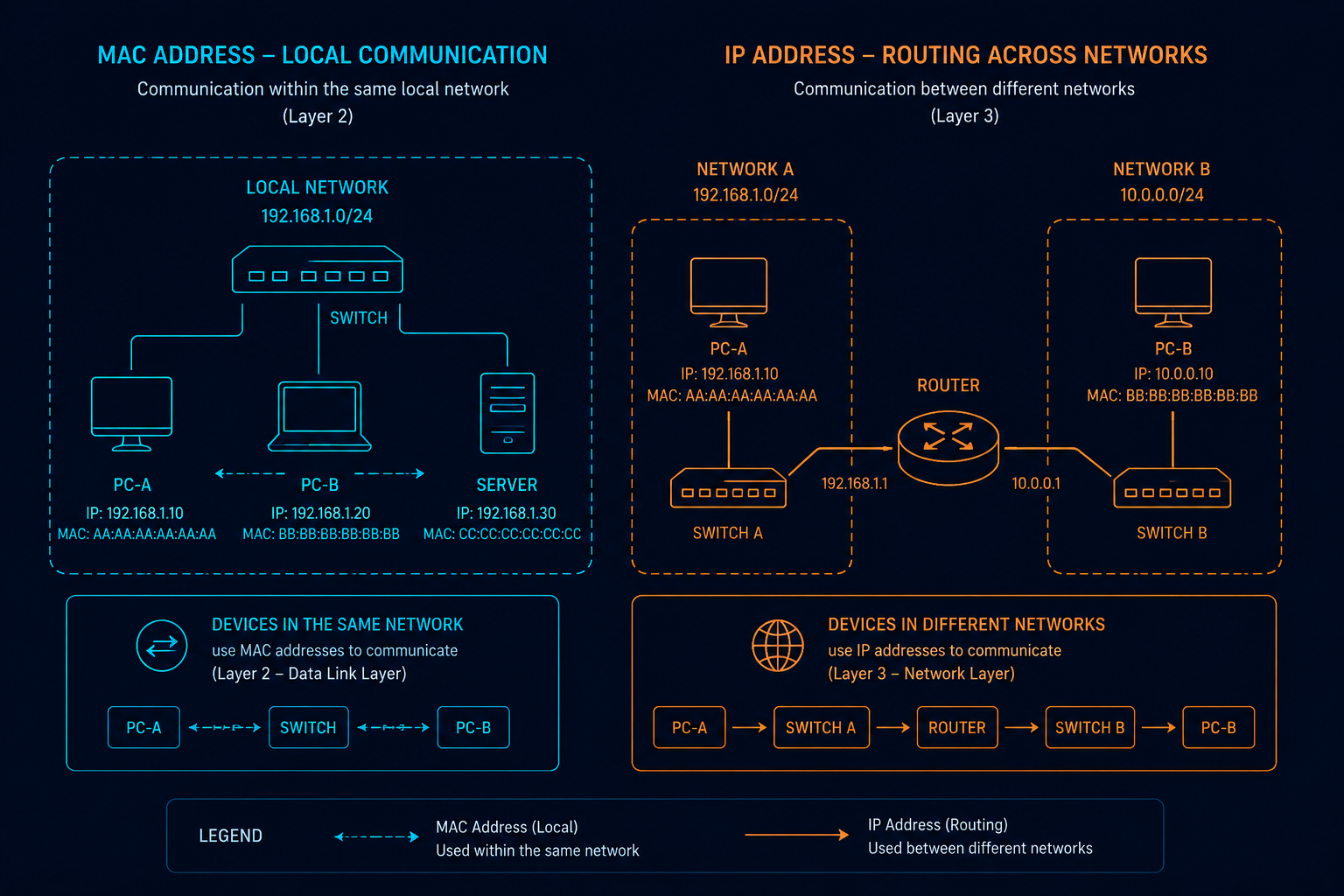
- How it works in the field: When your laptop connects to your home Wi-Fi, it gets one IP address. When you take it to a coffee shop, it gets a completely different IP address. IP addresses operate at Layer 3 (Network Layer) and are essential when data needs to travel across different networks—such as browsing a website hosted on a server in another country.
3. Routing: The Map of the Internet
If MAC addresses handle local communication and IP addresses handle network-to-network communication, how does a packet cross from one network to another? This is where Routing comes in.
Routing is the process of selecting the best path for data packets to travel from a source network to a destination network. The heavy lifters of this operation are Routers.
- A router looks at the destination IP address of an incoming packet, checks its internal routing table, and forwards the packet toward the next best stop on its journey.
- Without routers, your home network would remain completely isolated, unable to reach the global internet.
Summary
To sum it up: MAC addresses get your data across the room (local network), IP addresses identify the destination across the globe, and Routers build the pathways to connect them all together.
Now that we understand how addresses and paths work, the next big question is: How do all these different devices and manufacturers agree on a universal language? In our next technical log, we will break down the 7-layer OSI Model and the TCP/IP Protocol Suite.